


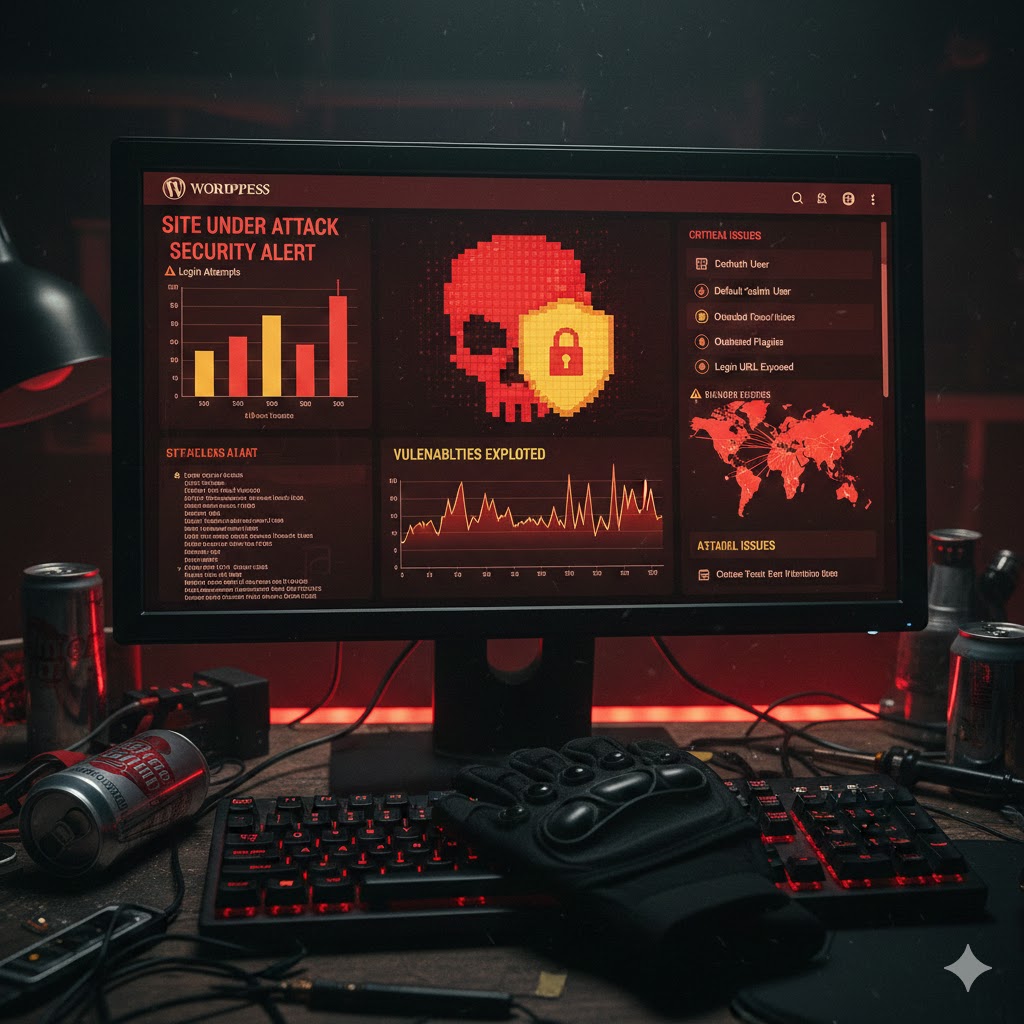
People often think hackers only go after big sites. In fact, it’s often the opposite. They use bots that scan the web looking for old WordPress versions or outdated plugins. So, your personal blog is just as exposed as a huge e-commerce site.
It’s pretty scary when you check the access logs. You see login attempts coming from everywhere, every single minute. That’s why leaving “admin” as your username is honestly the worst idea of the century.
Plugins that do the job (and those that are too heavy)
It’s cool to want to turn your site into a vault, but some security plugins are total resource hogs. Wordfence is the gold standard. It blocks everything and scans files. On the other hand, it can slow down your dashboard if your server is a bit weak.
Otherwise, there are more discreet alternatives like SecuPress. It’s clean and the interface isn’t cluttered. Great for those who don’t want to spend hours in the settings.
The little things that save lives
You don’t need to be a coding pro to protect your site. For starters, changing the login URL (the famous /wp-admin) shuts down 90% of automated attacks instantly.
Also, ditch the themes and plugins you don’t use anymore. Even if they’re deactivated, they can have exploits. Anyway, do a cleanup once a month, it takes two minutes.
What to remember to sleep soundly:
- Turn on two-factor authentication (2FA), it’s the basics today.
- Set up automatic backups outside of your server.
- Never install “nulled” plugins (free versions of paid stuff).
One last simple thing: keep PHP up to date with your host. That’s often where old security holes hide. It’s essential if you don’t want to see your hard work go up in smoke.